
SyncFlow
Yardım
Getting startedSyncingRecordingOther apps and mismatched numbersCheckingDeleting data
Yardım Ana Sayfası›Syncing›How do I enable Auto Sync?

How do I enable Auto Sync?

Complete a manual sync, then turn on Auto Sync on the Sync tab. It is a Premium feature.

What it does

Sync your selected categories for today and the previous two days.

Use Manual Sync for older data.

Set up Auto Sync

  1. In Categories, choose the data to sync.
  2. On Home, tap “Sync”.
  3. Wait for the Manual Sync to finish.
  4. Check the result in “Sync History”.
  5. Open the “Sync” tab.
  6. Turn on “Auto Sync”.

Completion notifications

  1. Turn on “Notifications”.
  2. Allow notifications for SyncFlow in iPhone Settings.
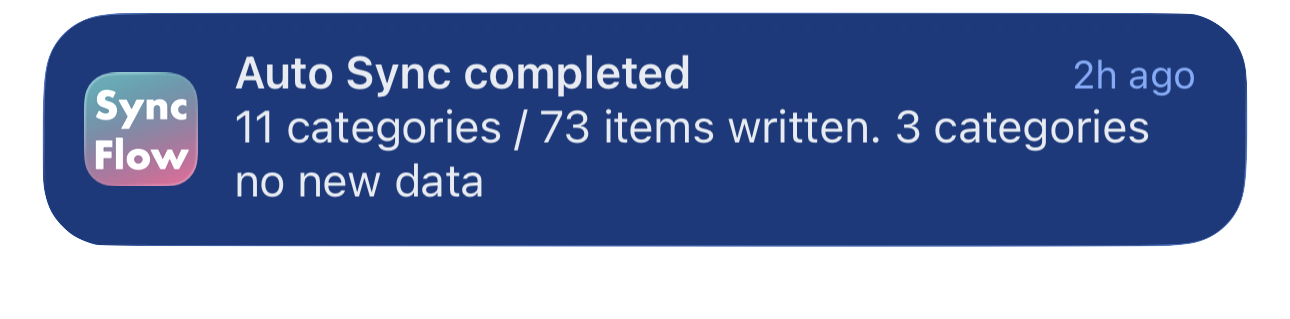
SyncFlow Otomatik Senkronizasyon tamamlandı bildiriminin İngilizce örneği; senkronize edilen kategorileri ve yeni verisi olmayan kategorileri gösteriyor.
İngilizce ekran örneği. İçerik senkronizasyon sonucuna göre değişir.
App Store'dan indirinApp Store'dan indirin

İlgili makaleler

  • How do Daily total and By record differ? ›
  • Why do numbers differ from Google Health (Fitbit)? ›

Hâlâ yardıma ihtiyacınız var mı?

Destekle İletişim
SyncFlow

SyncFlow

SyncFlow Ana SayfaYardımDestekle İletişim

Yasal bilgiler

Gizlilik PolitikasıKullanım Koşulları

© 2026 SyncFlow