SyncFlow
How do I enable Auto Sync?
Complete a manual sync, then turn on Auto Sync on the Sync tab. It is a Premium feature.
What it does
Sync your selected categories for today and the previous two days.
Use Manual Sync for older data.
Set up Auto Sync
- In Categories, choose the data to sync.
- On Home, tap “Sync”.
- Wait for the Manual Sync to finish.
- Check the result in “Sync History”.
- Open the “Sync” tab.
- Turn on “Auto Sync”.
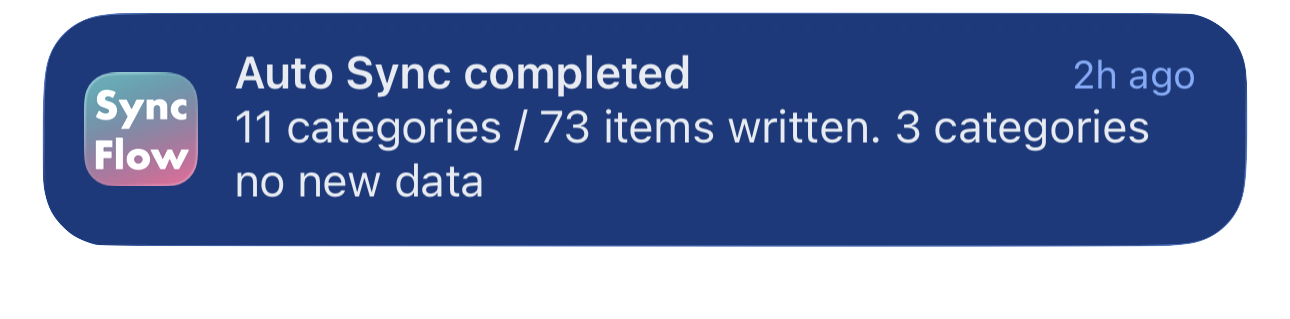
Completion notifications
- Turn on “Notifications”.
- Allow notifications for SyncFlow in iPhone Settings.