SyncFlow app iconSyncFlow

Sync your Fitbit data to Apple Health.

Steps, sleep, weight, and more: the data you choose, in Apple Health on your iPhone.
Every record so far, and every day from now on.

App Store ratings worldwide
Updated continuously for 6+ years since launching in 2020.

Download on the App Store

Google Health support is coming. We are preparing SyncFlow so you can keep syncing after your Fitbit account moves to a Google account. Learn more

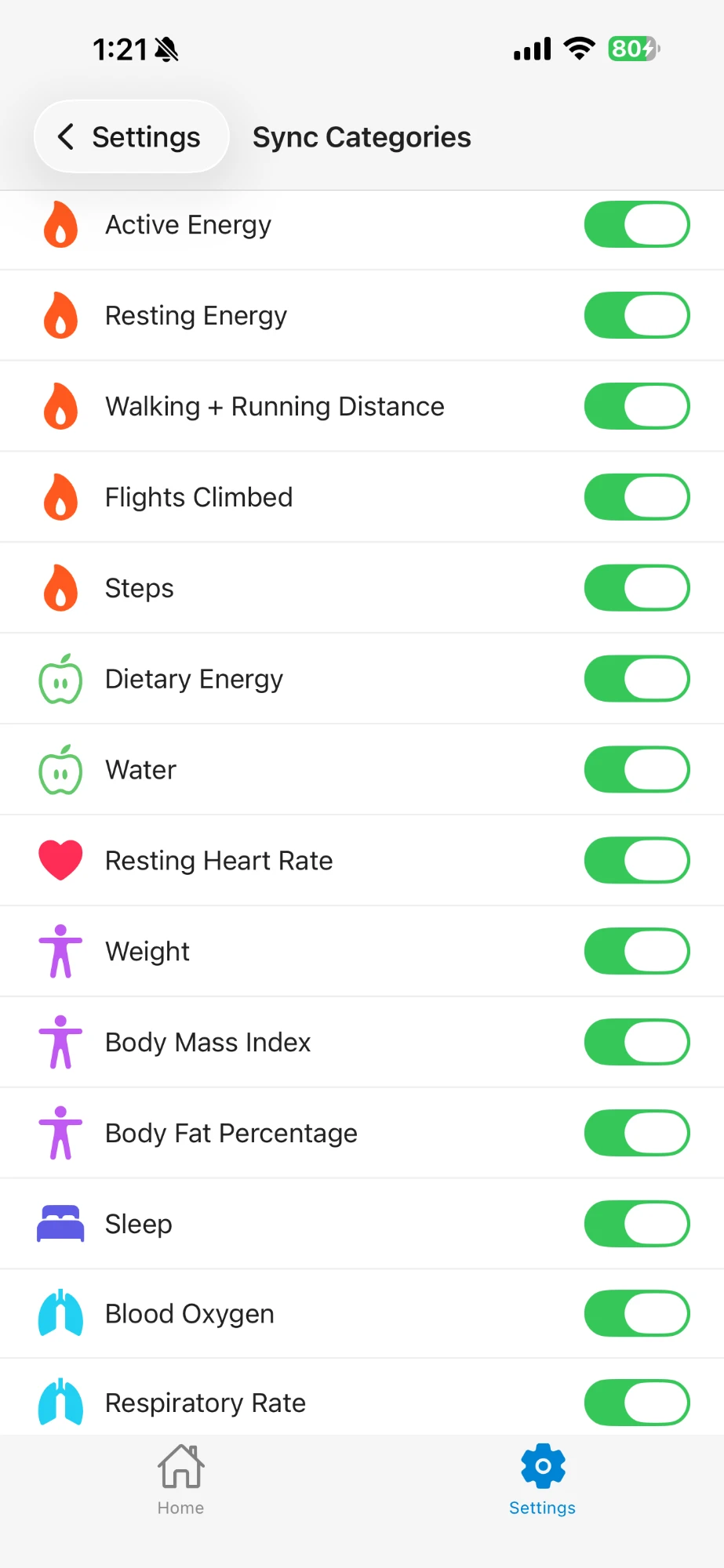
14 data types you can sync
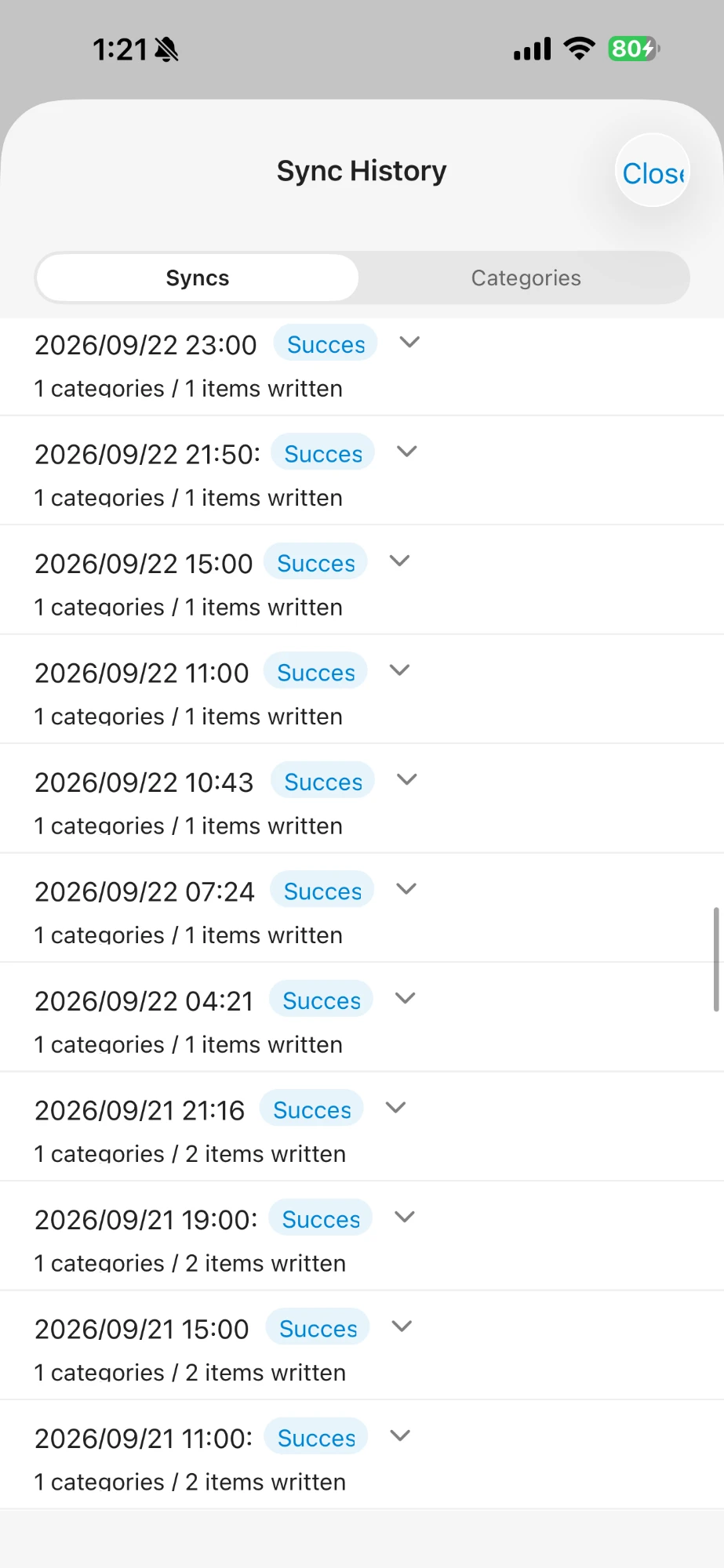
Sync History listing successful syncs

What users say

Summarized from real App Store reviews.

★★★★★
Of the 10+ sync apps I tried, this was the most reliable and the easiest to use.
★★★★★
Simple, and it just works. The price is fair, too.
★★★★★
My sleep data syncs in detail and is much easier to read in Apple Health.
★★★★★
Seeing steps and sleep in one place makes my daily check-in easier.
★★★★★
Easy to use. Sleep and steps synced smoothly.
★★★★★
After a year of use, it still works just as expected.

What SyncFlow does

Your Fitbit records, all in Apple Health

Import years of past records at once.

14 data types you can syncYou choose what to sync

Activity

StepsActive EnergyResting EnergyWalking + Running DistanceFlights Climbed

Sleep

Sleep

Heart

Resting Heart Rate

Body Measurements

WeightBody Mass IndexBody Fat Percentage

Respiratory

Blood OxygenRespiratory Rate

Nutrition

Dietary EnergyWater
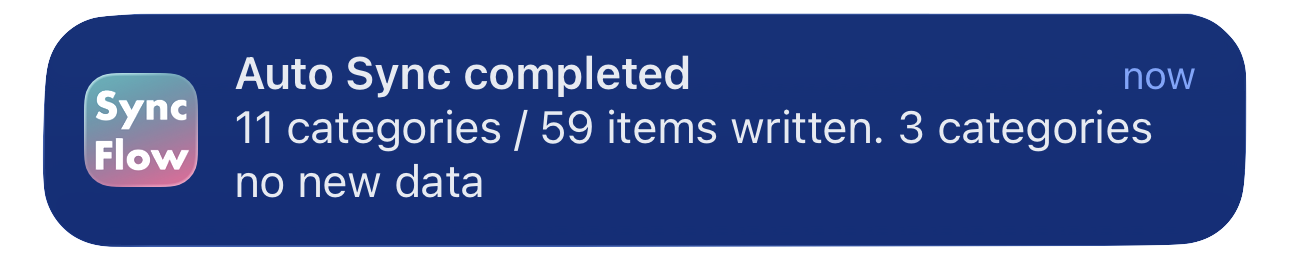
Auto Sync completed notification

Syncs automatically, even when you are not using the app

Apple Health keeps updating in the background while you are not using the app. A notification tells you when it is done.

Sync History listing successful syncs

See when and how much was synced

Every sync is logged with its result and item count, so you can always check that your data arrived.

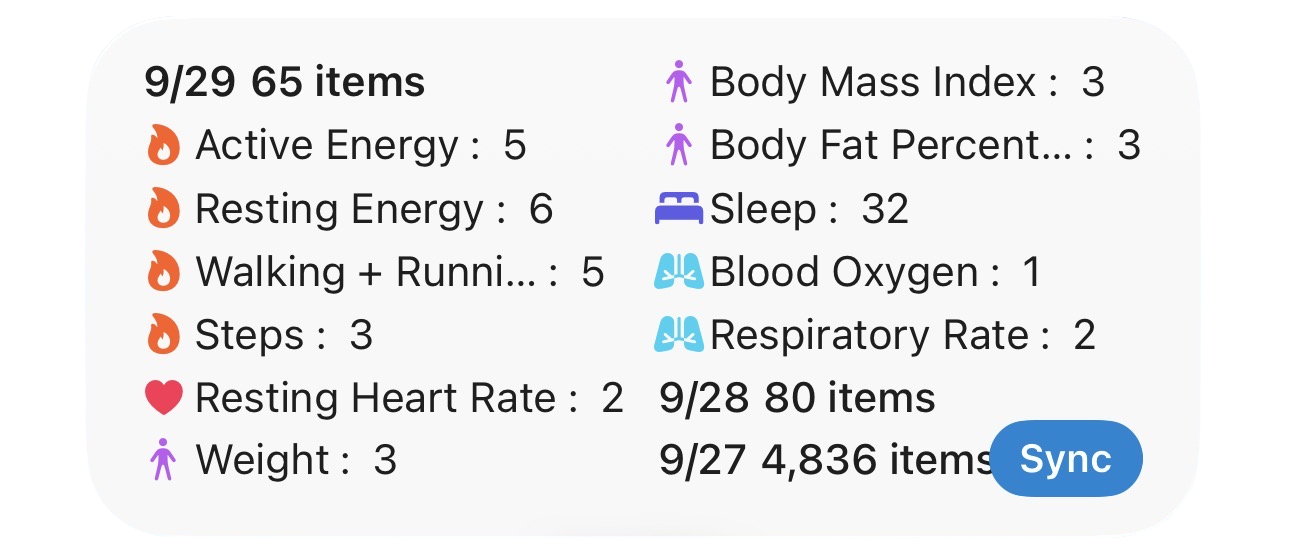
SyncFlow widget on the Home Screen

See it at a glance on your Home Screen

Check recent sync results right from the widget.

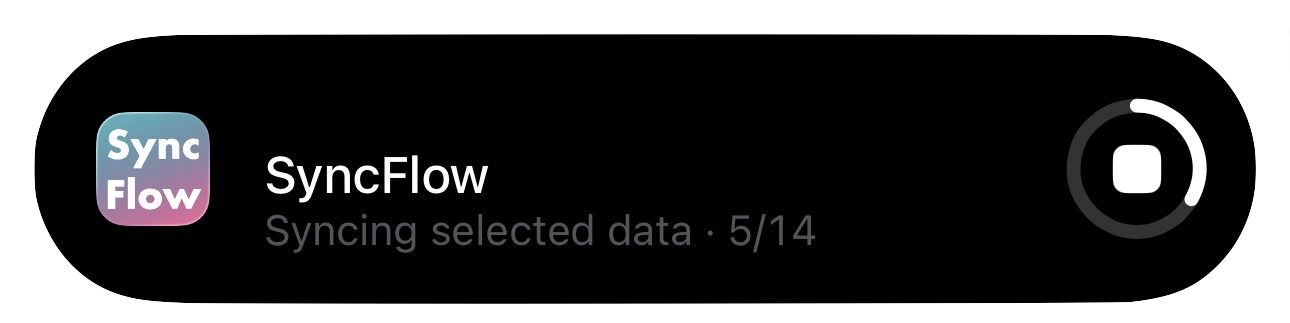
Live Activity showing manual sync progress

Sync anytime, in one tap

Just tap the button. Syncing continues when you switch to another app, and you can follow its progress on the Lock Screen.

*Continued syncing and Lock Screen progress require iOS 26 or later.

Get started in 4 steps

  1. 1

    Connect Fitbit

    Sign in with your Fitbit account and allow SyncFlow to read your data. Nothing in Fitbit is changed.

  2. 2

    Allow Apple Health

    Allow access to the data you want to write.

  3. 3

    Choose categories

    Turn on the data you want to sync.

  4. 4

    Sync

    The data you chose goes into Apple Health.

Your data, handled with care

How SyncFlow uses your health data, including Google user data

Reads only

SyncFlow reads only the categories you turn on. It never changes your data in Fitbit or Google Health.

Used only to sync

Your data is used only to sync the categories you choose to Apple Health on your iPhone.

Processed on your iPhone

Health data is not stored on SyncFlow's server, and it is not sold or used for advertising.

Disconnect anytime

You can disconnect in SyncFlow at any time. You can also remove SyncFlow's access in your Google Account under Third-party apps & services.

The use of information received from Google Health API and/or Developer Tools will adhere to the Google Health API Developer and User Data Policy, including the Limited Use requirements. SyncFlow's use and transfer to any other app of information received from Google APIs will adhere to the Google API Services User Data Policy, including the Limited Use requirements. See the Privacy Policy for details.

What can I use for free?

Before Premium launches, every data type and Auto Sync are free.

After Premium launches (planned)

After Premium launches (planned)FreePremium
Data you can syncSteps, sleep, weightAll 14 types
Past recordsLast 30 daysYour full history
Auto Sync—Included
Manual SyncOnce a day (watch a video ad for more)Unlimited
Sync History & widgetsLatest dayFull history
AdsYesNo

Prices are shown on the App Store purchase screen. You can cancel Premium anytime.

Frequently asked questions

Is SyncFlow free?

Yes. It is free to download and use. Before Premium launches, every category and Auto Sync are free as well.

Can I move my past records to Apple Health?

Yes. Your first sync imports records from the earliest day your Fitbit account has data.

What data can I sync?

14 types, including steps, sleep, weight, resting heart rate, energy burned, and water.

Will it still work after my Fitbit account moves to a Google account?

Today, SyncFlow connects to Fitbit. We are preparing Google Health support so you can keep syncing after the move.

Does Auto Sync run at a fixed time?

No. iOS decides when background work runs, and SyncFlow tries to sync at those times. See Help for details.

Is my health data safe?

SyncFlow only reads the categories you choose. Data is processed on your iPhone and is not stored on SyncFlow's server.

Can I use it with Apple Watch?

Yes. Apple Health combines data from multiple sources. Help explains how step totals are counted.

Is SyncFlow made by Fitbit, Google, or Apple?

No. SyncFlow is an independent app and is not affiliated with them.

How do I cancel Premium?

You can cancel anytime in your Apple Account subscription settings.
Your Fitbit data, in Apple Health.

Download free and start with sleep and steps.

Download on the App Store